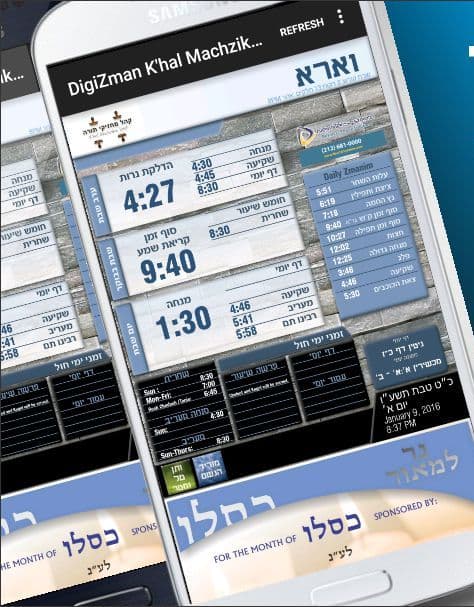
DigiZman Mobile
The app is back
Your shul's zmanim and schedules, on your phone.
Add DigiZman to your home screen
Open the site
In your phone's Chrome browser, go to mobile.digizman.com.
Choose your shul
Pick your shul from the list.
Add to home screen
Select “Add to Home screen”. The DigiZman icon now appears on your phone.